
Amazon Listing SEO Audit Checklist: What to Review Before Updating an ASIN
Run a repeatable Amazon listing SEO audit before updating any ASIN. Review titles, bullets, backend terms, images, compliance, and competitors.
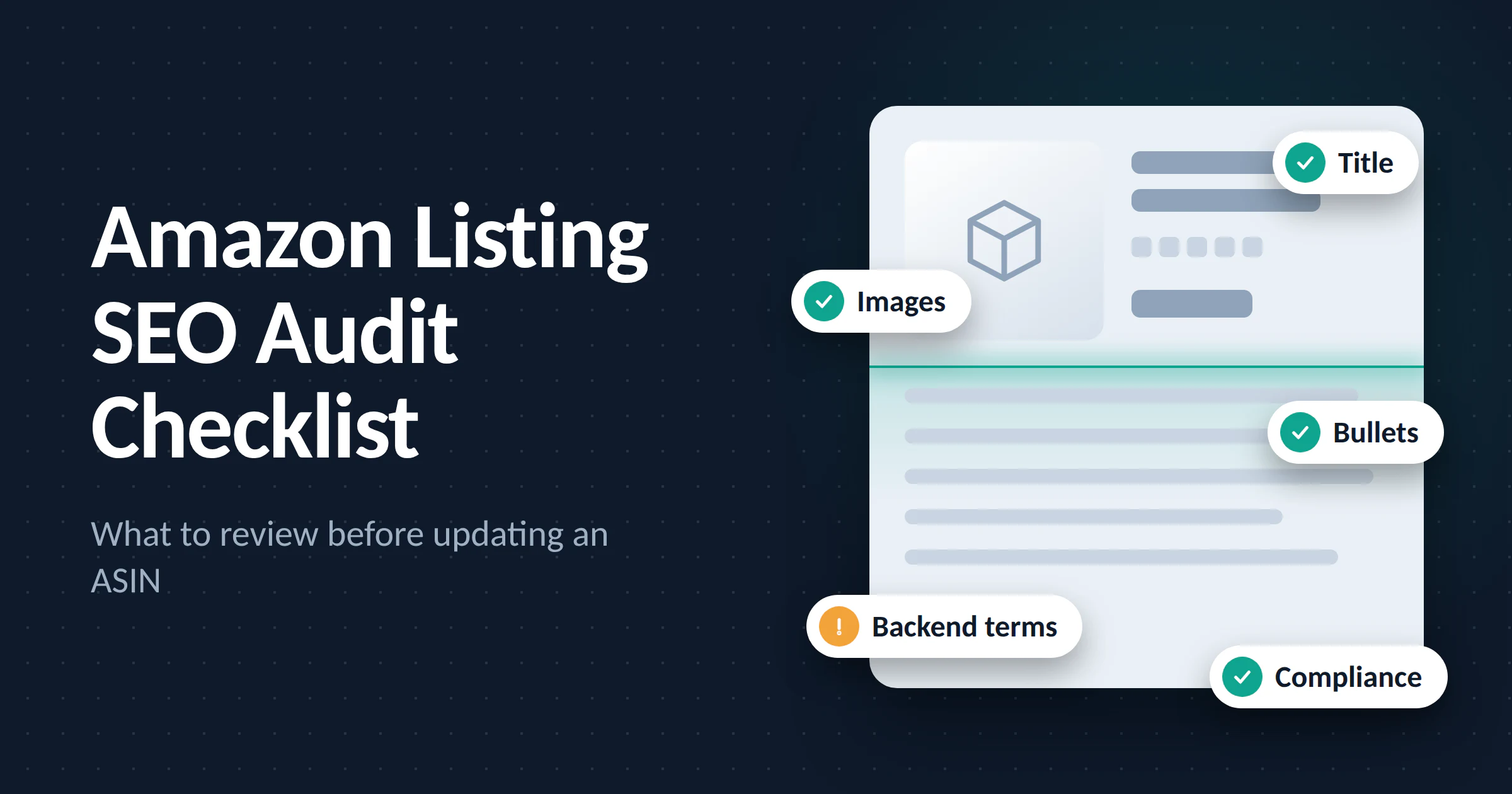
Every Amazon seller eventually faces the same moment: a listing that used to convert well starts slipping in rank, click-through rate drops, or a competitor suddenly outranks you for your own branded search term. The instinct is to change something anything fast. But editing a live ASIN without a structured audit is how sellers accidentally break what was already working.
A listing SEO audit isn't a one-time task. It's a repeatable framework you run before every meaningful update, whether that's a seasonal refresh, a rebrand, a new competitor entering your category, or a routine quarterly check-in. This guide walks through exactly what to review, in what order, and why each step matters so you (or your team, or your agency) can run a consistent Amazon listing audit every time, instead of reinventing the process from scratch for each ASIN.
Why an Audit Framework Matters More Than a "Quick Fix"
Amazon's search algorithm weighs relevance and performance signals together. That means a listing quality check has to look at two different things at once:
On-page relevance does the listing actually contain the keywords, attributes, and language shoppers are searching for?
Performance history is the listing converting well enough that Amazon wants to keep showing it?
Changing copy without checking performance data first can tank a listing that was already ranking on conversion strength. Changing nothing because "the copy looks fine" ignores the fact that shopper language shifts, competitors update constantly, and Amazon's own ranking factors evolve. The audit exists to catch both blind spots and to make sure any update you make is a deliberate improvement, not a guess dressed up as a refresh.
There's also a practical business reason to formalize this process. Sellers who audit reactively only after a ranking drop is already painful lose weeks of sales before they even start diagnosing the problem. A scheduled, repeatable audit catches drift early, before it shows up as a revenue problem.
The Amazon Listing SEO Audit Checklist
1. Title Audit
Does the primary keyword appear naturally in the first 60–80 characters (what's visible on mobile)?
Are you keyword-stuffing in a way that reads as spammy rather than descriptive?
Does the title still reflect the actual product size, quantity, color, key differentiator?
Are you following current category-specific title style guides (Amazon updates these more often than sellers check)?
Has the title been changed recently in a way that might explain a sudden ranking shift? Title edits can temporarily disrupt indexing, so it's worth checking your change history before assuming the problem is external.
2. Bullet Point Analysis
Do the five bullets each lead with a distinct benefit, not a repeated feature?
Is there a clear balance between Amazon SEO keyword coverage and actual persuasive, benefit-driven copy?
Are secondary keywords worked in naturally, rather than forced?
Do the bullets answer the top 3–5 questions or objections shoppers raise in reviews or Q&A?
Are the bullets still ordered by priority is the strongest differentiator still first, or has a newer feature earned that spot instead?
3. Product Description / A+ Content Review
Is the backend description or A+ Content reinforcing keywords the bullets didn't fully cover?
Does the A+ Content tell a coherent brand story, or is it a disconnected slide deck of stock modules?
Are comparison charts, lifestyle imagery, and use-case callouts still accurate and current?
If the product has been updated (new packaging, new formulation, new accessory), does the A+ Content still match what's actually shipping?
4. Backend Search Terms
For the full guidance on filling the backend field correctly (duplication, synonyms, spelling variations, and restricted terms), see our pre-publish Amazon listing checklist. In an audit, focus on what has changed since the field was last set:
Is there anything outdated a discontinued use case, an old promotional term?
Have you tested whether any high-volume terms from recent search query reports are missing from the backend field?
5. Image and Video Quality Check
Does the main image still meet current Amazon image requirements? The full main-image specification is in our pre-publish Amazon listing checklist; here, you're checking whether anything has changed or been flagged since the last update.
Do secondary images each communicate one clear idea: scale, use case, ingredients/materials, comparison, or social proof?
Is there a video, and is it still relevant to the current product version?
Do the images still hold up against current competitor listings, or has the bar in your category visibly moved since these were shot?
6. Customer Language Mining
Have you pulled recent reviews and Q&A for language patterns you're missing in the copy?
Are shoppers using words or phrases in reviews that don't appear anywhere in your listing?
Are there recurring complaints that better copy (not just product changes) could pre-empt?
Has the customer base shifted are you now attracting a different type of buyer than the one the original copy was written for?
Pulling recurring phrases from reviews by hand is slow across a large catalogue. An****Amazon listing optimization tool can surface the language shoppers actually use, plus the keyword gaps your competitors are filling.
7. Compliance and Policy Check
Does the listing still comply with current Amazon content policies (claims, trademarks, restricted terms)?
Have any category-specific requirements changed since the listing was last updated?
Are safety, certification, or country-of-origin details current and accurate?
Is there any language left over from an old promotion or claim that could now be flagged as non-compliant?
8. Competitive Benchmarking
Who currently outranks you for your primary keyword, and what are they doing differently in title, images, or price?
Has a new competitor entered the space since your last audit?
Are there gaps in your secondary keyword coverage that competitors are capturing?
Has pricing in the category shifted enough that your listing now reads as overpriced or underpriced relative to the field?
Turning the Checklist Into a Repeatable Process
The real value of an Amazon listing audit isn't the one-time cleanup it's building a cadence. Many sellers and agencies run this checklist:
Quarterly, for stable, established ASINs
Immediately before any major update (rebrand, price change, new competitor)
Immediately after a ranking or conversion drop, to diagnose the cause before making changes
Documenting the audit each time even in a simple spreadsheet also creates a record of what changed and when, which makes it much easier to correlate updates with ranking or conversion shifts later. Over time, this record becomes its own asset: a history of what's already been tried, what worked, and what didn't, so future audits build on past ones instead of starting blind.
Setting Up an Audit Cadence Across a Catalogue
For sellers or agencies managing more than a handful of ASINs, running audits one at a time isn't sustainable. A few practical ways to scale the process:
Tier your catalogue. Top-revenue ASINs get audited more frequently (monthly or quarterly); lower-priority SKUs get a lighter, less frequent pass.
Assign ownership. One person or team should be accountable for running and logging audits, even if multiple people execute individual fixes.
Use a shared template. A standard audit sheet mirroring the checklist above keeps results consistent no matter who runs it, and makes it easy to compare audits across ASINs or time periods.
Final Thought
An Amazon listing SEO audit isn't about chasing every algorithm rumor or rewriting copy for the sake of it. It's a disciplined review of relevance, performance, and compliance — run consistently, before any ASIN update so changes are deliberate improvements rather than guesses.
Frequently Asked Questions
How often should I audit an Amazon listing?
For most established ASINs, a quarterly audit is a reasonable baseline. High-revenue listings or ones in fast-moving, competitive categories benefit from a monthly check, while lower-priority SKUs can be reviewed less frequently. The exception is any sudden ranking or conversion drop that should trigger an immediate audit rather than waiting for the next scheduled cycle.
What's the difference between a listing audit and just updating keywords?
A keyword update looks at one input. A full listing audit looks at relevance (keywords, images, compliance) and performance (conversion, ranking history) together, so you're not making a change that fixes one problem while accidentally causing another.
Will editing my listing hurt my current ranking?
Editing itself doesn't inherently hurt ranking, but poorly planned edits can. Changing a title or removing a keyword that was quietly driving traffic, for example, can cause a temporary or lasting drop. This is exactly why an audit reviewing performance data before editing matters more than making changes based on instinct alone.
Do I need special tools to run an Amazon SEO audit?
No. The checklist in this guide can be run manually using Seller Central data (search term reports, business reports, and the live listing itself). Third-party tools can speed up keyword research and competitor tracking, but they're not required to run a thorough audit.
Should I audit new listings the same way as established ones?
Not exactly. New listings need a pre-publish content check (covering completeness and compliance) more than a performance audit, since they don't have ranking or conversion history yet. Once a new ASIN has a few weeks of data, it can be folded into the regular audit cadence.
What's the biggest mistake sellers make during a listing audit?
Changing too much at once. When title, bullets, images, and backend terms are all updated in the same pass, it becomes almost impossible to tell which change caused a ranking or conversion shift afterward. Where possible, stage changes and give each one time to show its effect before moving to the next.
Back to Blog